Guides
How to Analyze a WhatsApp Chat (Step by Step, 2026)
To analyze a WhatsApp chat on iPhone, open the conversation, tap the contact's name, choose Export Chat → Without Media, and run the exported file through a chat analyzer. A good analysis shows who initiates, how reply rhythms shift over months, and whether the effort actually runs both ways.
Rereading a conversation at 1 a.m. is not analysis: it's a highlight reel curated by whatever you're feeling that night. The chat itself holds better evidence: thousands of messages with timestamps, and patterns no memory can hold onto. Here's how to get at them.
Step 1: Export the chat from your iPhone
WhatsApp has a built-in export that turns any conversation into a plain text file. On iPhone:
- Open WhatsApp and go to the conversation you want to analyze.
- Tap the contact's name at the top of the chat to open the details screen.
- Scroll to the bottom and tap Export Chat.
- Choose Without Media. The analysis needs the words and the timestamps, not the photos, and the file stays small enough to share instantly.
- Share or save the export. The iOS share sheet appears with a .txt file. Send it straight into an analyzer app, or save it to Files for later.
That's the whole export: under a minute, no cables, no desktop tools. The file contains every message with its date and time, which is exactly what makes real analysis possible.
Step 2: Know what a good analysis should surface
Word clouds are cute, but they won't tell you whether this is going anywhere. A WhatsApp chat analysis worth your time should surface things you can't see by scrolling:
- Who initiates. Over hundreds of conversations, who sends the first message of the day? A 50/50 split and a 90/10 split are very different relationships wearing the same emoji.
- Reply rhythms. Not one slow reply: the trend. Are their response times steady, speeding up, or quietly stretching from minutes into days?
- Message-length balance. If you write paragraphs and get back "lol nice", the transcript knows before you're ready to admit it.
- Activity over months. A heatmap of when you actually talk exposes the shape of the thing: a slow build, a spike-and-fade, or the classic three-week hot streak followed by silence.
- Top words and phrases. What the conversation is actually about: plans and inside jokes, or logistics and "haha".
- First-message history. The opening line of each new conversation, laid out over time. Watching "good morning" degrade into "hey" is data.
- Tone patterns. Warmth, humor, hedging, guilt-tripping: the stuff that decides how a chat feels, decoded instead of vibed.
WhatsApp chat analysis: reading the results honestly
Numbers describe the conversation, not the whole person. A few rules keep the analysis honest:
- Trends beat snapshots. One bad week during their exams means nothing. Six months of lengthening reply times means something.
- Balance beats volume. Two hundred messages a day is not closeness if 160 of them are yours. Look at the ratio, not the total.
- Patterns beat single flags. Anyone can send one cold reply. What repeats is what's true, which is also how to read red flags in texting: one is a mood, a pattern is a message.
- Context still matters. New job, family stuff, time zones: the analysis tells you what changed and when; you supply the why.
Done right, the result reads less like a verdict and more like a map: here's where the energy shifted, here's who's carrying the conversation, here's what that usually means. If what you're really asking is whether the two of you fit, that's a texting compatibility question, same transcript, different lens.
How Undertone reads this for you
Undertone is built around exactly this flow. When the WhatsApp share sheet appears after Export Chat, share the file straight into Undertone, or paste the text if you'd rather. WhatsApp exports are the richest input because they carry the full timestamped history; for Instagram, Snapchat, Tinder, Bumble, Hinge, iMessage, or Messenger, paste the conversation text instead.
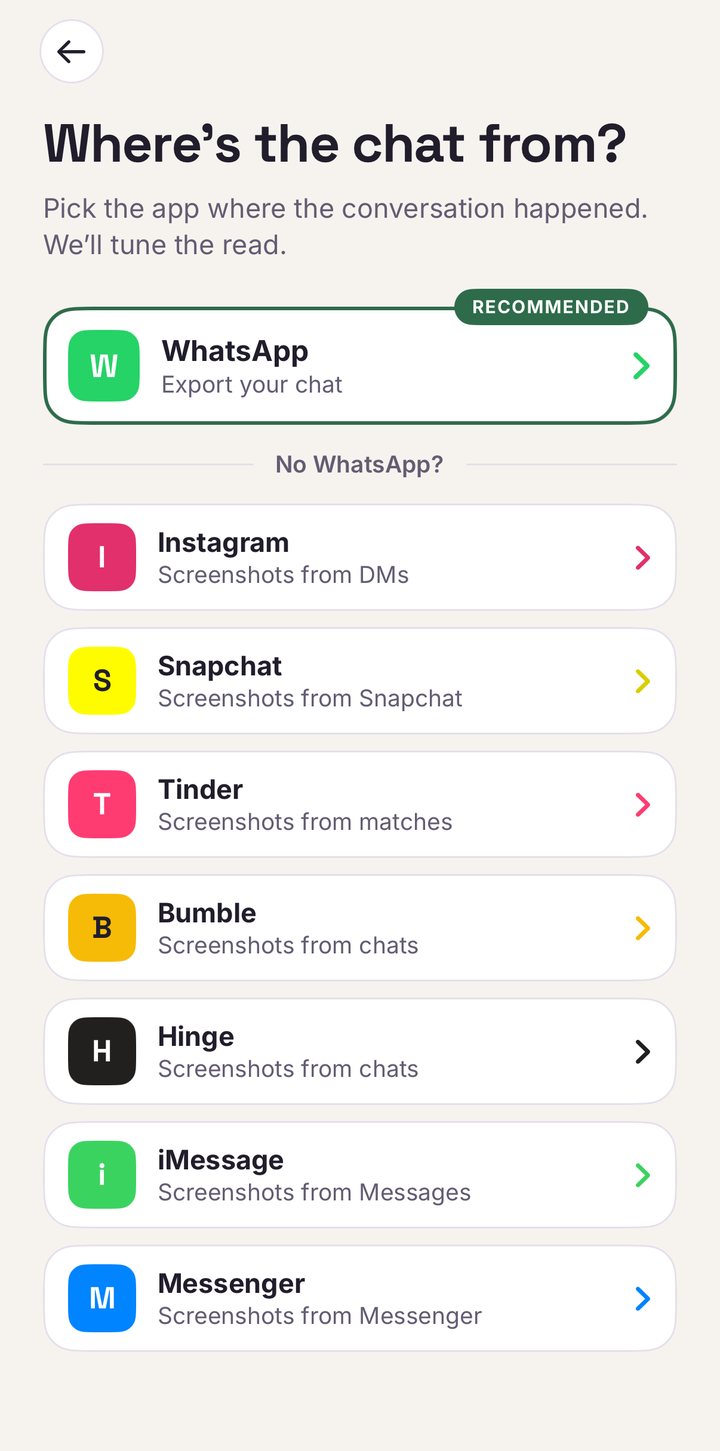
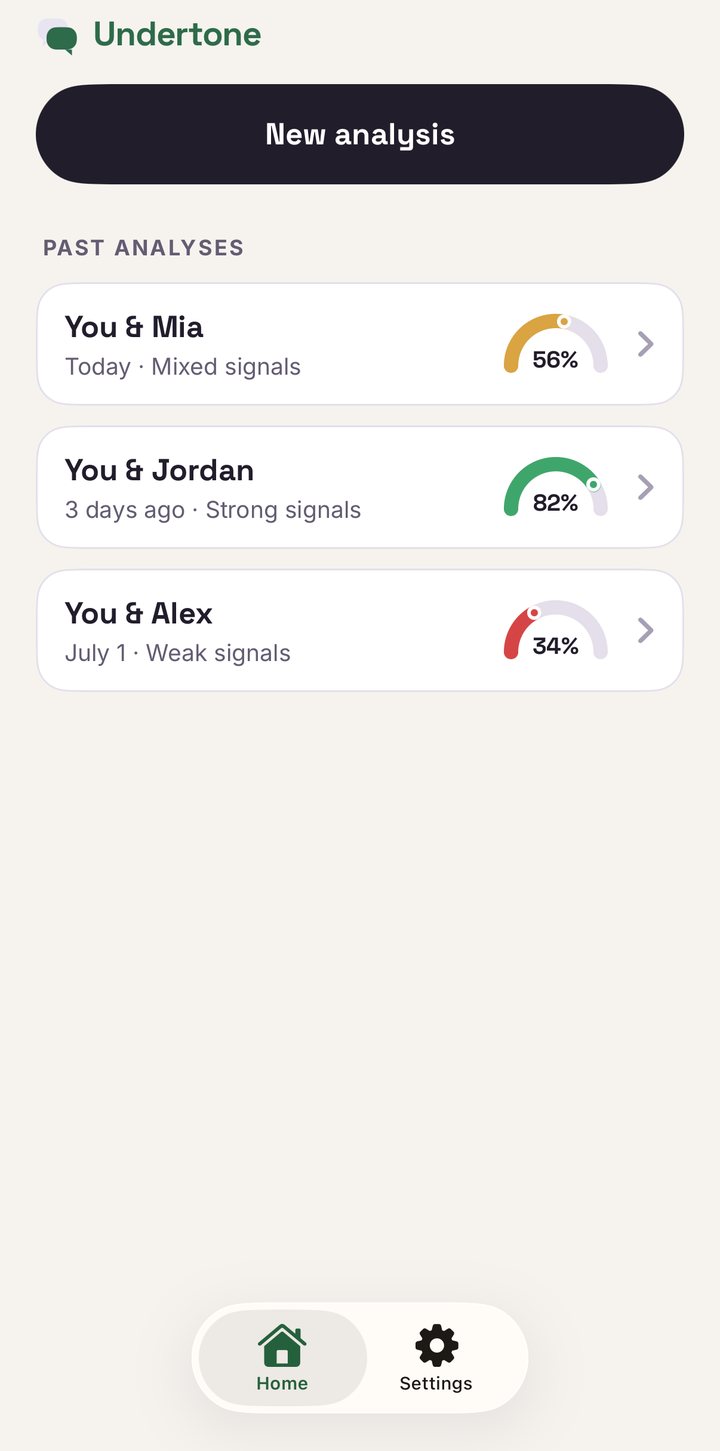
Then a three-question quiz: who you are, who they are, what this is, so the read fits your situation instead of a generic one. Before anything is analyzed, an explicit consent screen spells out the terms: your chat goes to an AI provider (currently OpenAI, reached via OpenRouter) for a single analysis, our own service never stores it, and it's never used to train AI models. Then the analysis runs, and you get the full read: a compatibility score, interest level for both sides, red and green flags decoded, the relationship dynamics above: initiation, rhythms, heatmap, top words, first messages, and suggested conversation starters.
FAQ
How do I export a WhatsApp chat on iPhone?
Open the conversation, tap the contact's name at the top, scroll down and tap Export Chat, then choose Without Media. WhatsApp creates a .txt file you can share into an analyzer app or save to Files. The whole thing takes under a minute.
Can I analyze a WhatsApp chat without exporting it?
Yes, pasting the text of a conversation directly into Undertone is the supported route for every app other than WhatsApp. The export is still the best route because it carries the full history with timestamps, which is what reply rhythms and monthly activity are built from.
Is it safe to upload a WhatsApp chat to an AI analyzer?
It depends on the analyzer. Undertone shows a consent screen before anything is sent, names the AI provider, never stores your chat on its own servers, and never uses it to train AI models.
Stop rereading the chat.
Undertone launches soon on the App Store: $29.99/year or $4.99/week, no free trial.
Get early access